How to create cursors for Linux
I recently got an idea to make [my own Linux cursor theme]. It was an ~interesting~ experience. My idea was to use the System 7 cursors as a refernce, not just replicating them, but designing my ☆ideal☆ cursor (which the Macintosh one is simply close to).
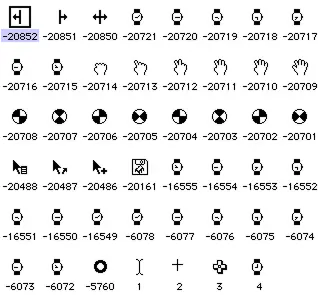
So I googled what cursors are necessary and started drawing them in Figma (probably not the best editor for pixel art, but if I were productive I would've not been creating a cursor theme). The necessary cursors according to my research are:
- default
- text
- vertical_text
- pointer
- help
- progress
- wait
- not allowed
- crosshair
- cell
- grab
- grabbing
- zoom_in
- zoom_out
- ew_resize
- ns_resize
- nesw_resize
- nwse_resize
You might also want to have separate cursors for:
- move
- copy
- alias
That show what exact action will occur when you drop the file youre dragging. But I don't need that.
At that time I learned that I have to think of a way to position a click point of each cursor state individually (well, almost).
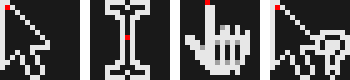
Animated cursors are created from multiple images that represent the frames of the animation
When the design was finished, it was the time to make it into an actual xcursor theme. To do so I installed xcursorgen and created a config file for each cursor state that has this format:
<size> <x coordinate of click position> <y coordinate of click position> <png file name>
For animated cursors its the same but has multiple lines (one for each frame), and also each line has an additional parameter: delay in milliseconds
then you just run:
xcursorgen default.cursor default
for each of the config files you created. and your cursor theme is almost ready
The only (or not?) thing left is to create an index.theme file and then put it and our cursors theme into a new folder in the ~/.local/share/icons/ and use it.
Let's test it!
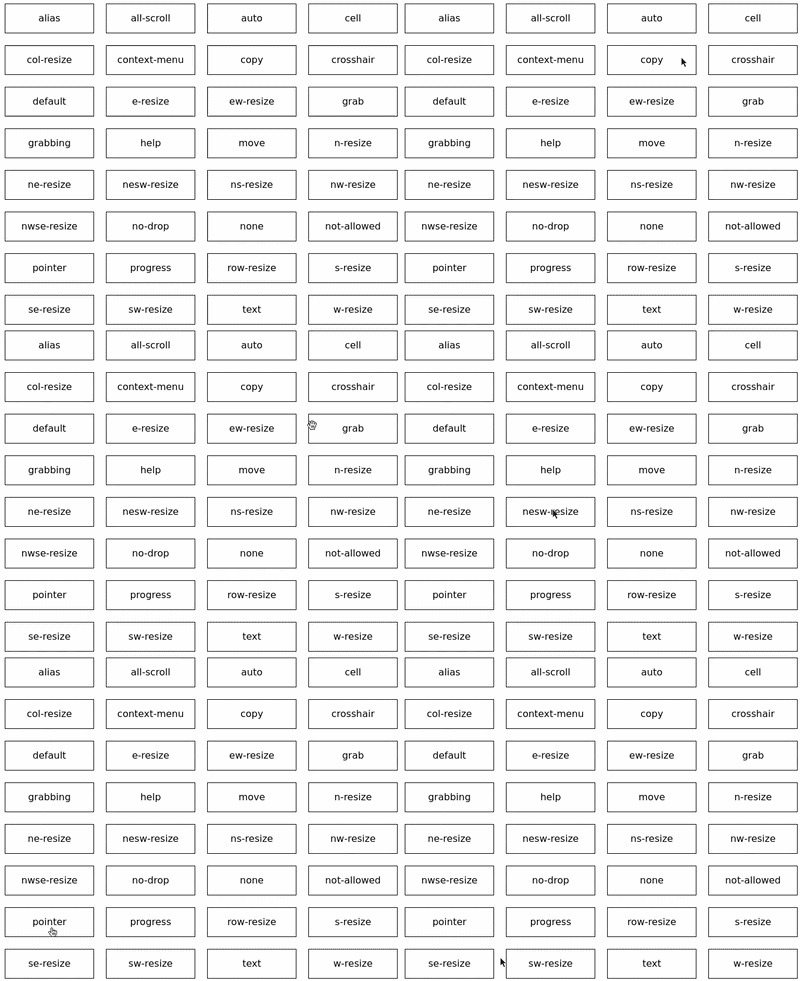
Somthing feels wrong? For some reason some of the cursors work and some do not!! Why? Because naming of cursor states is not standartized, so you have to create a LOT of symlinks. I didn't want to do it manually so I ☆vibe-coded☆ a bash script that automatically runs xcursorgen and then automatically creates all the necessary symlinks. You can find the script in [the GitHub repo of my cursor theme]
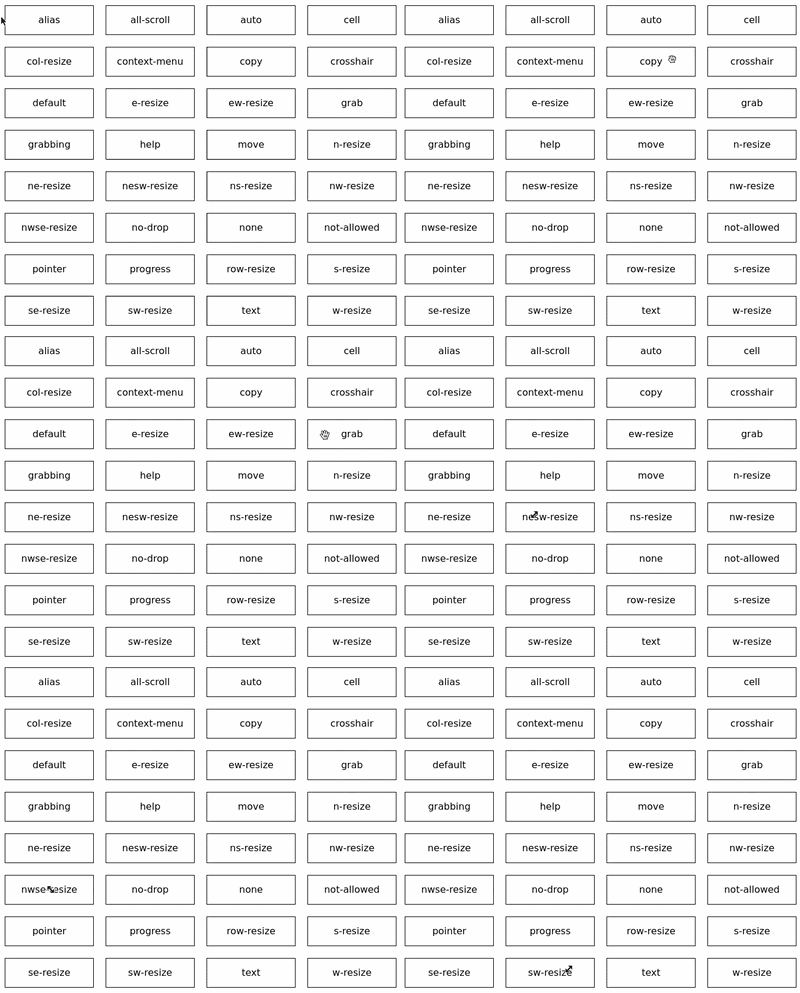
Done!! But was it worth it?...